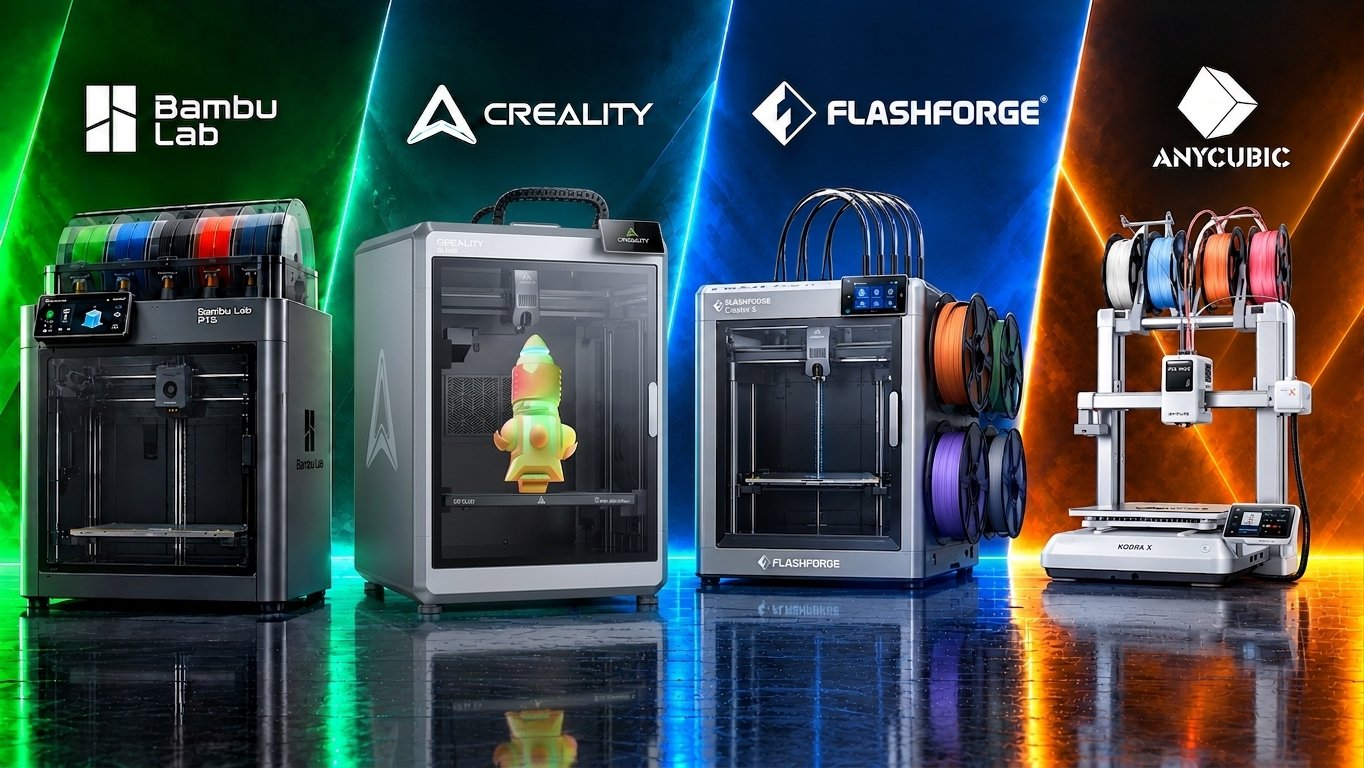
Best Creality 3D Printers: K2 Plus vs K1C vs Ender-3 V3 | The Ultimate Creality 3D Printer Guide

* Disclosure: This post contains affiliate links. We may earn a commission at no extra cost to you.
best creality 3d printer, Best Creality 3D Printers K2 Plus vs K1C vs Ender-3 V3
There is no conversation about modern 3D printing without mentioning Creality. They are the brand that originally brought 3D printing to the masses—and they haven't stopped innovating.
For years, choosing Creality meant embracing the "tinkerer life"—spending hours manually leveling print beds and upgrading hardware. But things have radically shifted.
Today, Creality’s lineup features fully automated, enclosed, and blisteringly fast CoreXY machines that compete blow-for-blow with any luxury brand on the market.

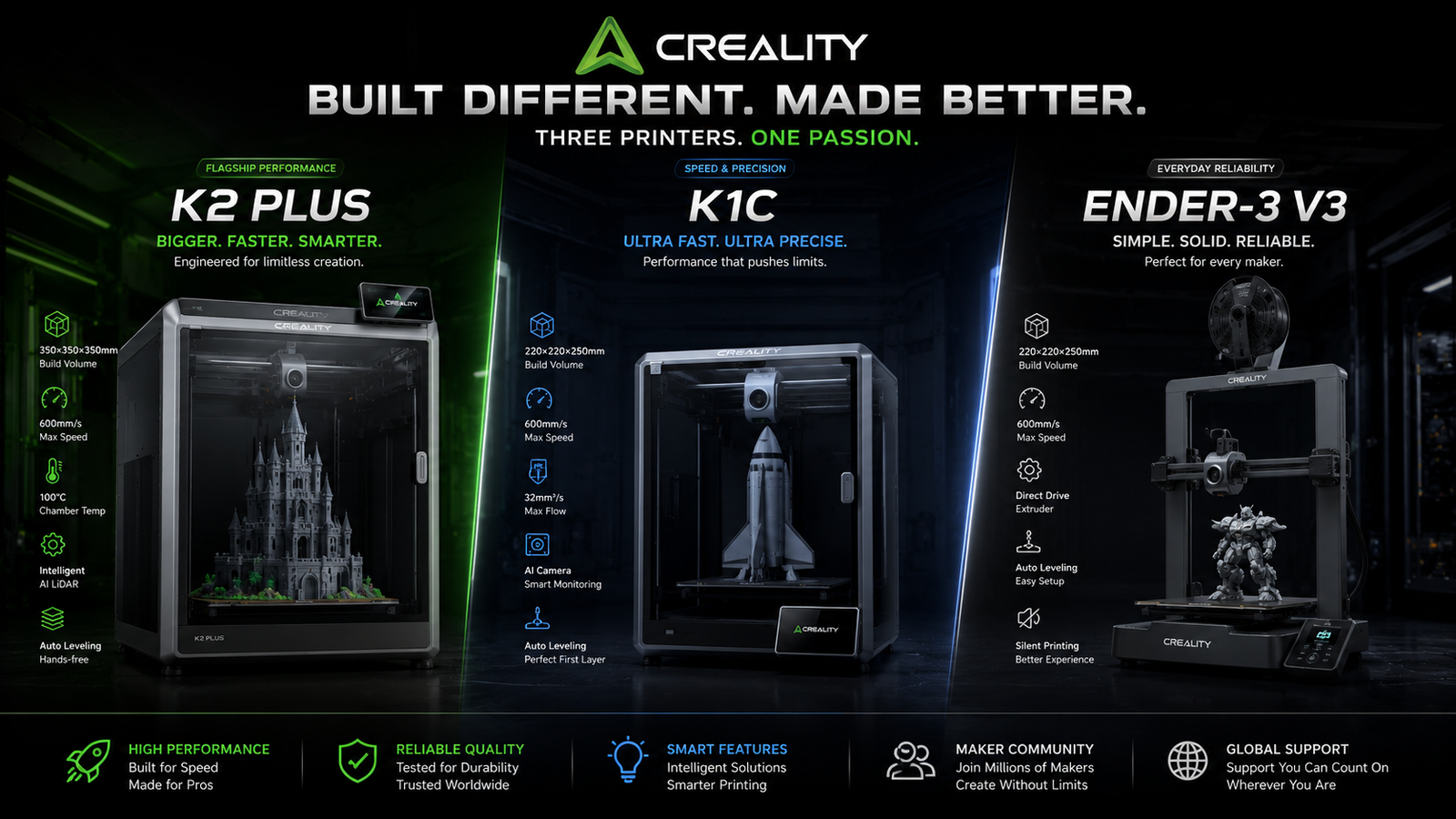
Whether you are looking for a massive, multi-color production machine like the K2 Plus, a rugged carbon-fiber engine like the K1C, or the perfect high-speed starter kit like the Ender-3 V3, Creality has a machine built for your engineering needs.

Let's break down their best-selling titans side-by-side so you can secure the right powerhouse for your workshop.

The Core Lineup: Side-By-Side

FeatureCreality K2 Plus (Combo)Creality K1CCreality Ender-3 V3
Motion SystemHeavy-Duty CoreXYHigh-Speed CoreXYCoreXZ Stability
Form FactorFully EnclosedFully Enclosed (Die-Cast)Open Frame
Build Volume350 x 350 x 350 mm220 x 220 x 250 mm220 x 220 x 250 mm
Max Speed600 mm/s600 mm/s600 mm/s
Filament SystemCFS Multi-Color (Included)Single (CFS Upgradeable)Single Material Focus
Feature
Motion System
Form Factor
Build Volume
Max Speed
Filament System
Creality K2 Plus (Combo)
Heavy-Duty CoreXY
Fully Enclosed
350 x 350 x 350 mm
600 mm/s
CFS Multi-Color (Included)
Creality K1C
High-Speed CoreXY
Fully Enclosed (Die-Cast)
220 x 220 x 250 mm
600 mm/s
Single (CFS Upgradeable)
Creality Ender-3 V3
CoreXZ Stability
Open Frame
220 x 220 x 250 mm
600 mm/s
Single Material Focus

1. The Multi-Color Giant: Creality K2 Plus Combo

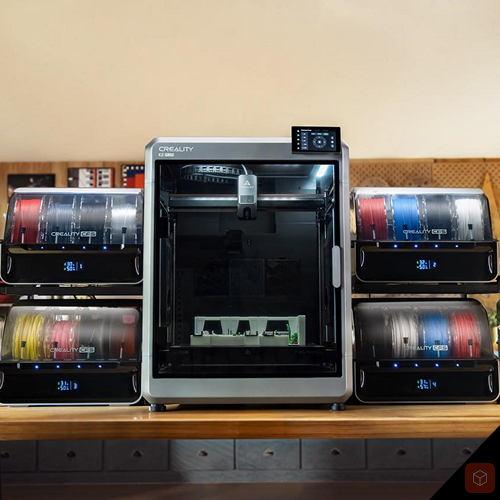
If you need massive build volume and seamless multi-material capabilities, the Creality K2 Plus Combo is an absolute behemoth.
It is designed to handle big structural builds, functional prototypes, and multi-color engineering parts without breaking a sweat.

- The Edge: A jaw-dropping 350mm³ build volume. It is significantly larger than standard desktop printers, letting you print massive architectural models or full-scale mechanical assemblies in a single run.

- Multi-Color Mastery: The Combo version includes the CFS (Color Filament System), which manages up to 4 colors automatically (and can be daisy-chained up to 16 colors). It features automatic RFID filament recognition and an actively monitored, sealed drying environment.

- Best For: Industrial designers, small scale manufacturing, and creators who need maximum build space paired with intelligent multi-material engineering.
best creality 3d printer, Best Creality 3D Printers K2 Plus vs K1C vs Ender-3 V3, K2 Plus Combo
The 350mm build volume paid off the moment we printed a full helmet visor as a single piece — that job would have needed splitting on any smaller machine in this price range.

2. The Carbon Fiber Workhorse: Creality K1C

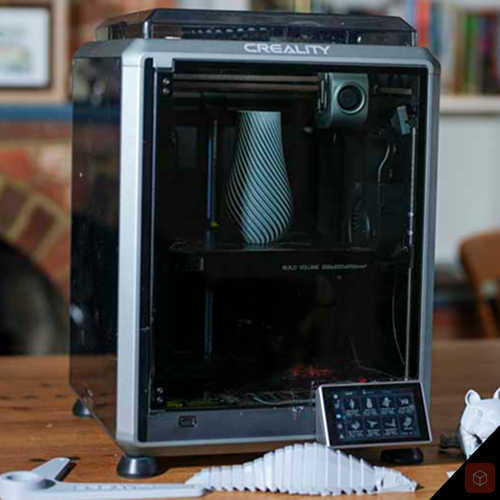
The Creality K1C is a refined, ultra-rigid CoreXY machine built explicitly for handling abrasive, engineering-grade filaments right out of the box. The "C" stands for Carbon, and this printer earns its name.

- The Edge: It features an all-metal, integrated "Unicorn" nozzle structure (hardened steel tip with a copper alloy body) and a direct-drive extruder setup designed to feed tough filaments like Carbon Fiber-reinforced PLA/Nylon (PLA-CF / PA-CF) without clogging.

- Smart Monitoring: It comes completely enclosed with an integrated AI camera that actively monitors your workspace for "spaghetti errors," records automated time-lapses, and pauses the machine if something goes wrong.

- Best For: Mechanical hobbyists, robotics developers, and makers who want an enclosed, industrial-grade material experience at a highly competitive mid-range price.
best creality 3d printer, Best Creality 3D Printers K2 Plus vs K1C vs Ender-3 V3, K1C best 3d printer under $300 $500 2026
We ran carbon-fibre reinforced PETG through the hardened nozzle on a functional bracket — the structural result was measurably stronger than what a standard brass nozzle delivers on equivalent machines.

3. The Budget Speedster: Creality Ender-3 V3

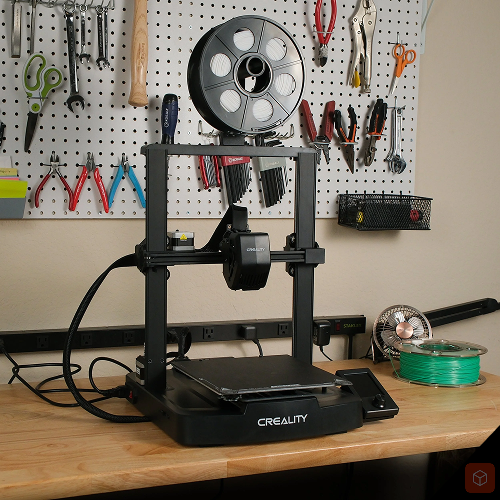
Forget everything you think you know about old entry-level printers. The Ender-3 V3 completely reimagined the budget market by implementing a high-end CoreXZ motion system that rockets up to a blistering 600mm/s.

- The Edge: Unmatched performance-to-dollar ratio. It utilizes a rigid, die-cast gantry that eliminates the wobbling and print defects historic budget printers suffered from. It levels its own bed automatically, handles flexible TPU beautifully, and boots up ready to print in minutes.

- The Math: If you are primarily working with standard materials like PLA or PETG and don’t need a full enclosure, the Ender-3 V3 gives you identical flagship printing speeds for a fraction of the cost.

- Best For: Beginners, students, or makers looking to add a fast, highly capable, and incredibly affordable secondary machine to their print farm.
Expect the first few sessions to be tuning rather than producing — that's the honest trade-off for actually understanding how 3D printing works, which this machine teaches better than any other at this price.

The Cubic School Verdict: Which Belongs in Your Setup?

Creality has completely shaken off its old "budget upgrade project" reputation, delivering world-class, automated machines across every price point:

Go with the Creality K2 Plus Combo if you need a true industrial workhorse with a massive footprint, high-end multi-color management, and zero structural compromises.

Go with the Creality K1C if you want an enclosed, rugged, carbon-fiber-ready machine that fits perfectly on a standard workbench and focuses on structural integrity.

Go with the Creality Ender-3 V3 if you want a lightning-fast, ultra-reliable entry point into 3D printing that proves you don't need to spend a fortune to get elite results.
cubic school logo
Ali KH — Founder, Cubic School
I started Cubic School because I couldn't find a single review site that took all three of my obsessions seriously: 3D printing, speedcubing, and building brick sets. I've been printing since the early FDM days, competed casually in speedcubing, and have built more LEGO Technic and CaDA sets than my shelves can reasonably hold. Every product featured on this site is one I've researched, handled, or run through its paces myself.
No manufacturer sends us free units in exchange for positive coverage — what you read here is what I actually think.