* As an Amazon Associate, We earn from qualifying purchases. This page contains affiliate links, and we may earn a commission at no extra cost to you.
Bambu Lab leads the 3D printing industry on one core promise: results without friction. Their closed ecosystem — Bambu Studio, the AMS multi-colour system, and full auto-calibration — means you spend your time printing, not troubleshooting. Every machine on this page ships ready to print within 30 minutes of unboxing.
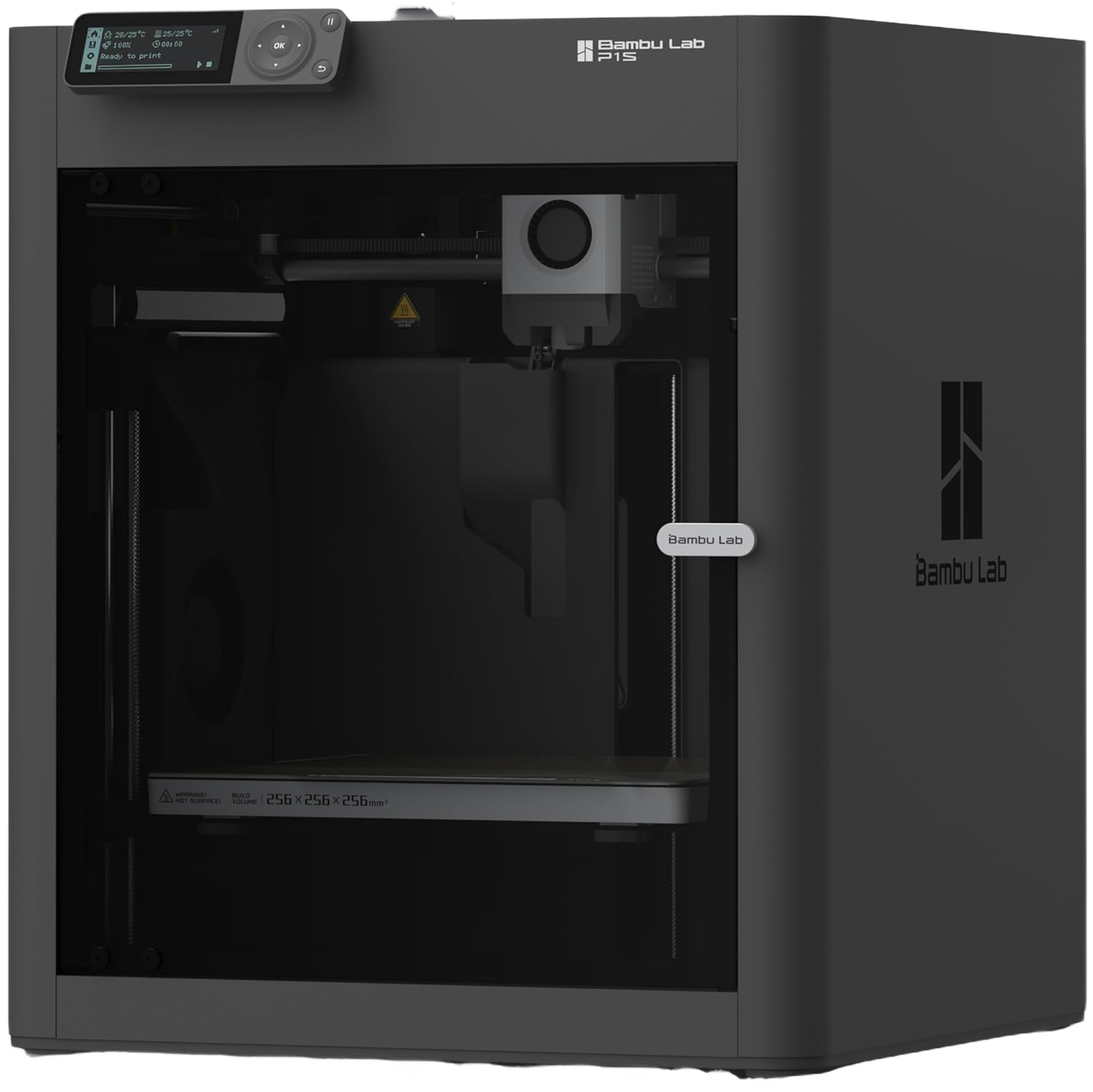
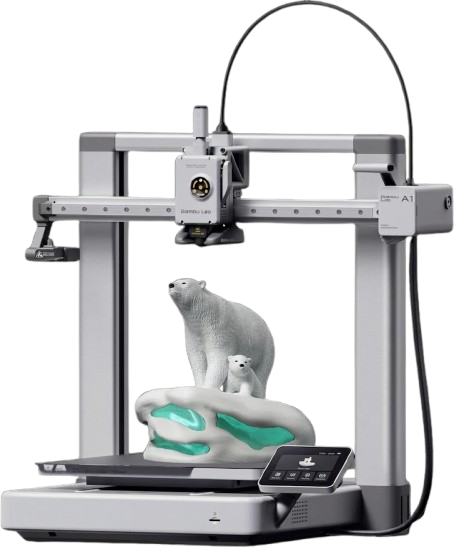
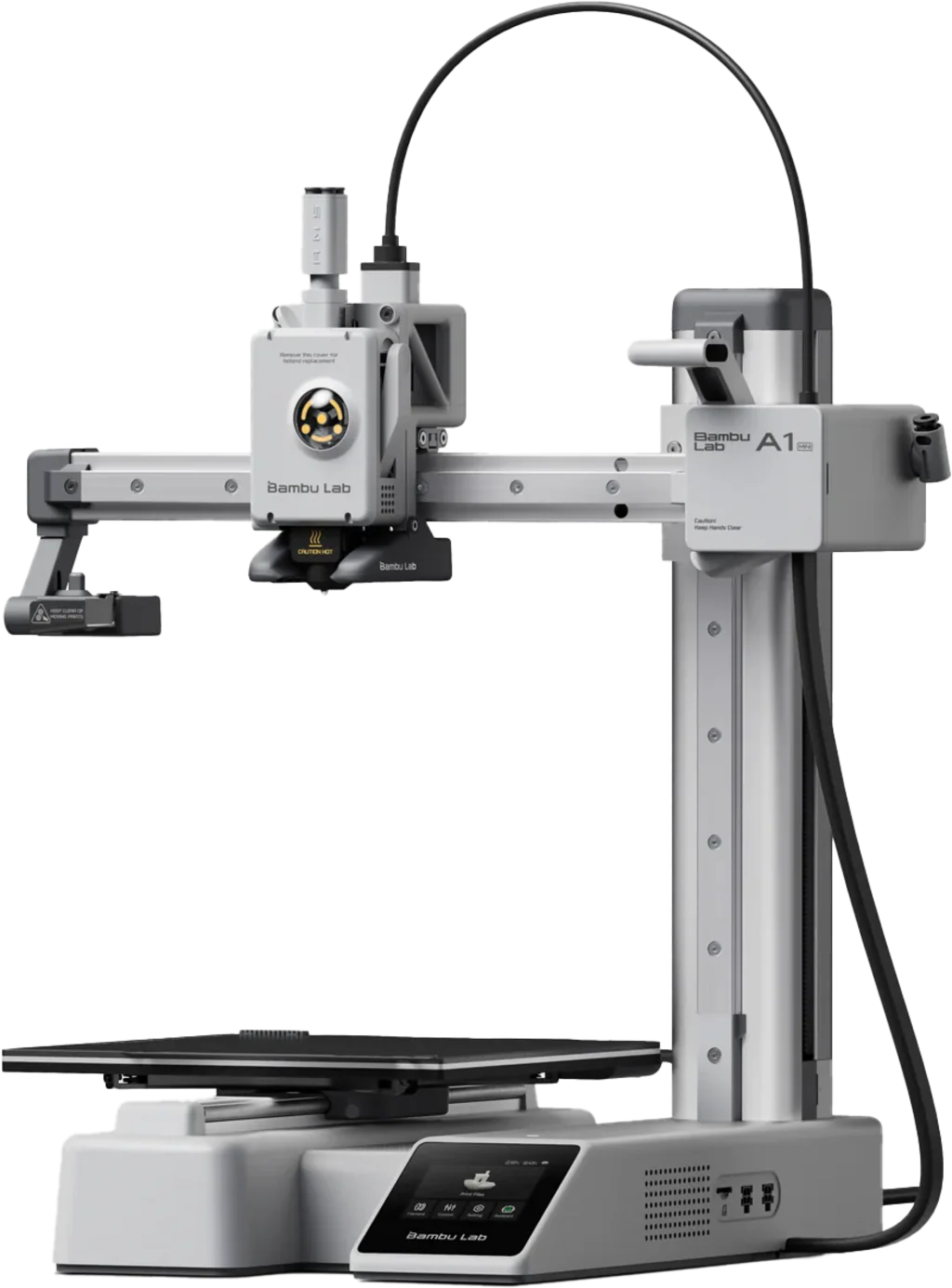
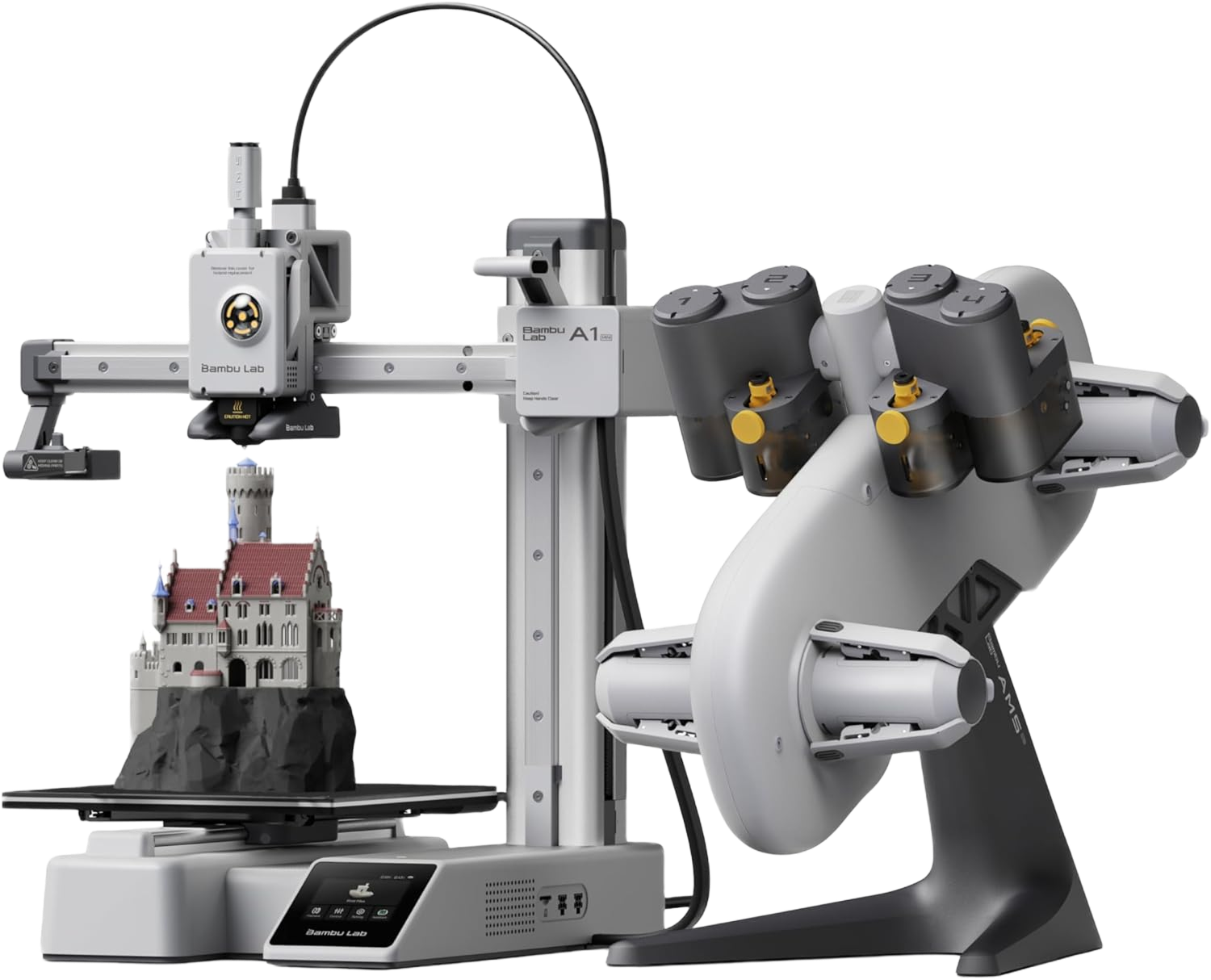
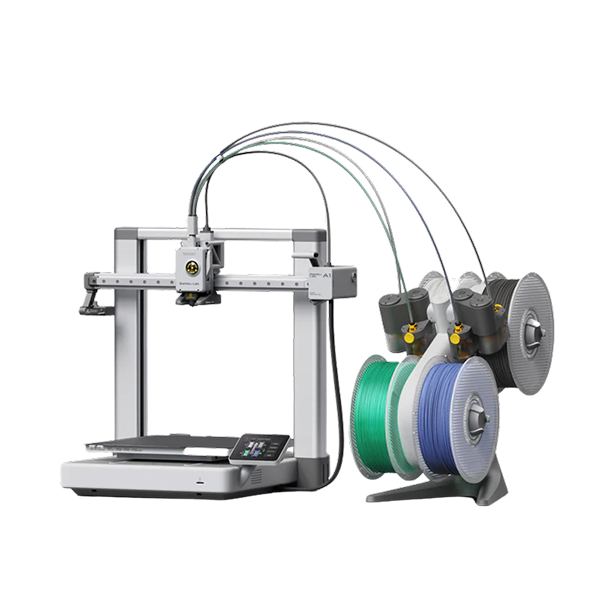
The lineup splits into three clear use cases. The A1 Mini is the right starting point for anyone new to 3D printing — compact, fast, and forgiving. The A1 adds a larger build volume and full AMS Lite compatibility for multi-colour work without the premium price. The P1S is the step up for anyone printing ABS, ASA, or other materials that need an enclosed, temperature-controlled chamber.
If you're deciding between Bambu Lab and Creality, the short version: Bambu Lab wins on out-of-box simplicity and multi-colour reliability; Creality wins on raw value and open-source flexibility.
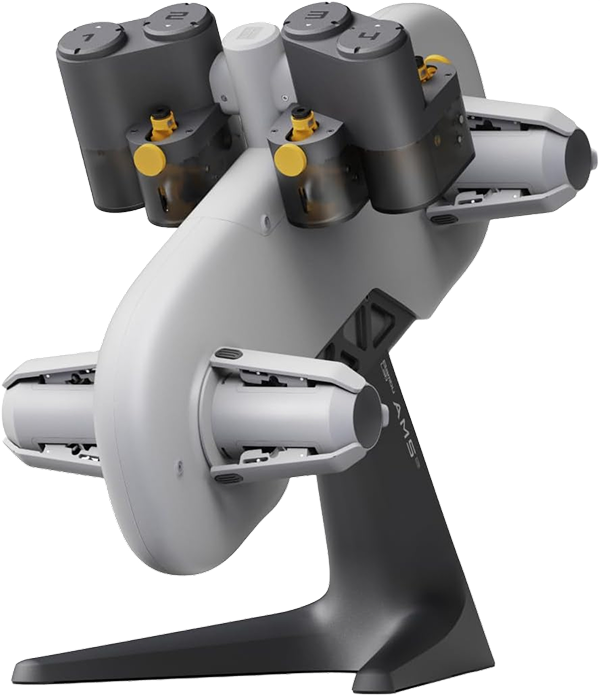
- Add 4-colour automatic filament switching to any compatible Bambu Lab printer
Q: What is the best Bambu Lab printer for beginners?
A: The Bambu Lab A1 Mini. It offers full auto-calibration and the fastest, most forgiving setup of any machine in the Bambu Lab lineup — most users complete their first print within 25 minutes of unboxing.
Q: What's the difference between the Bambu Lab A1 and A1 Mini?
A: The A1 has a larger 256×256×256mm build volume versus the A1 Mini's 180×180×180mm, and costs $150 more. Choose the A1 Mini for compact prints and desk space constraints; choose the A1 if you need to print larger objects.
Q: Do I need the AMS to use multi-colour printing on Bambu Lab?
A: Yes — the AMS (or AMS Lite) is required for automatic multi-colour and multi-material printing. Without it, Bambu Lab printers operate as single-colour machines.